Resources
Printer Resources and Guides
Plain-English explainers on how laser printers work, what toner and parts you actually need, and how to keep printers running, plus step-by-step troubleshooting guides.
Featured article

How a Laser Printer Works, Stage by Stage
Charge, expose, develop, transfer, fuse: what happens inside, and why it matters when something goes wrong.Read the article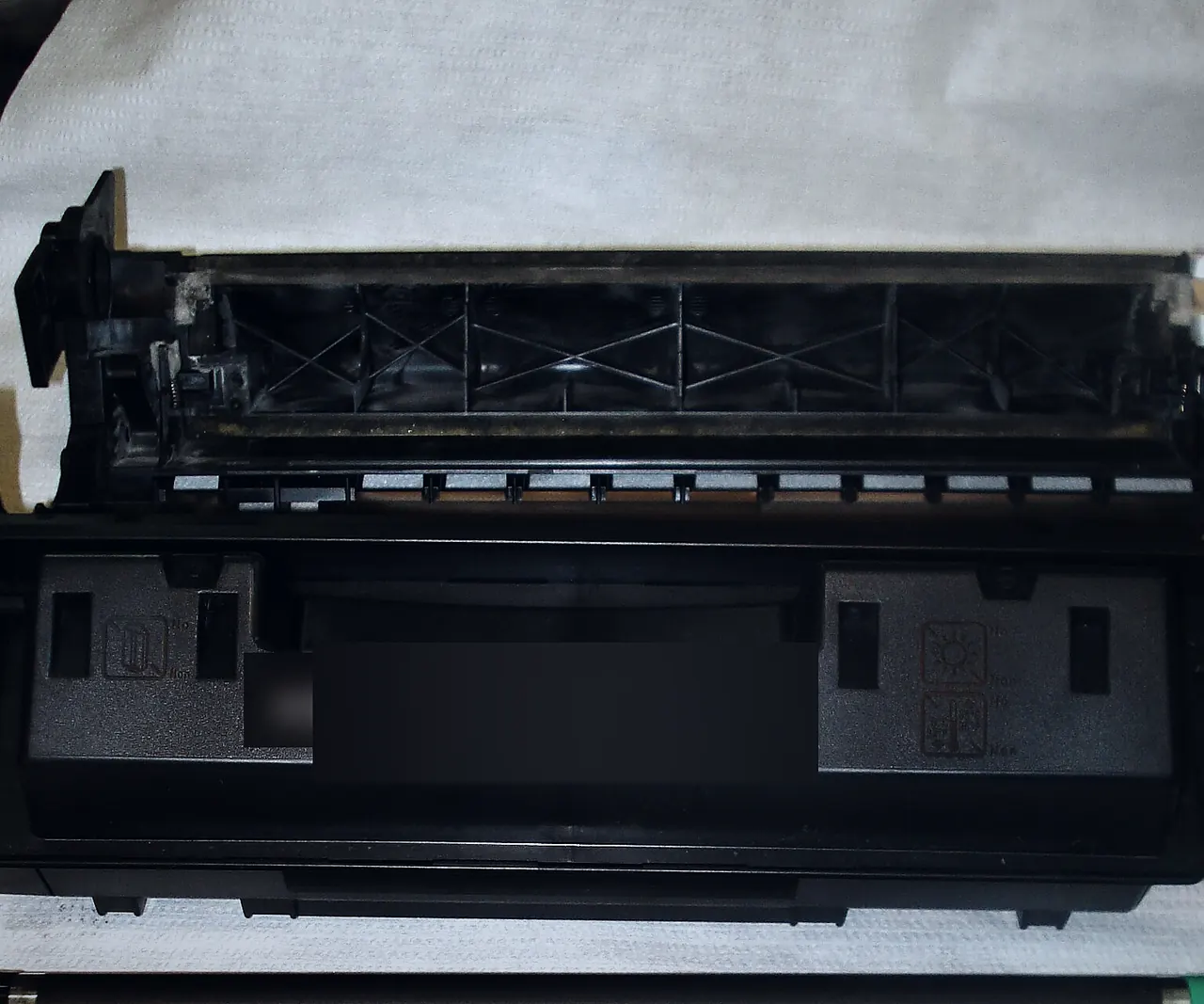
OEM, Compatible and Remanufactured Toner: What the Labels Mean
How each type of cartridge is made, what page yield really measures, and the questions worth asking before you buy.
A Practical Laser Printer Maintenance Checklist
Simple habits by week, by month and by page count that prevent the most common laser printer faults.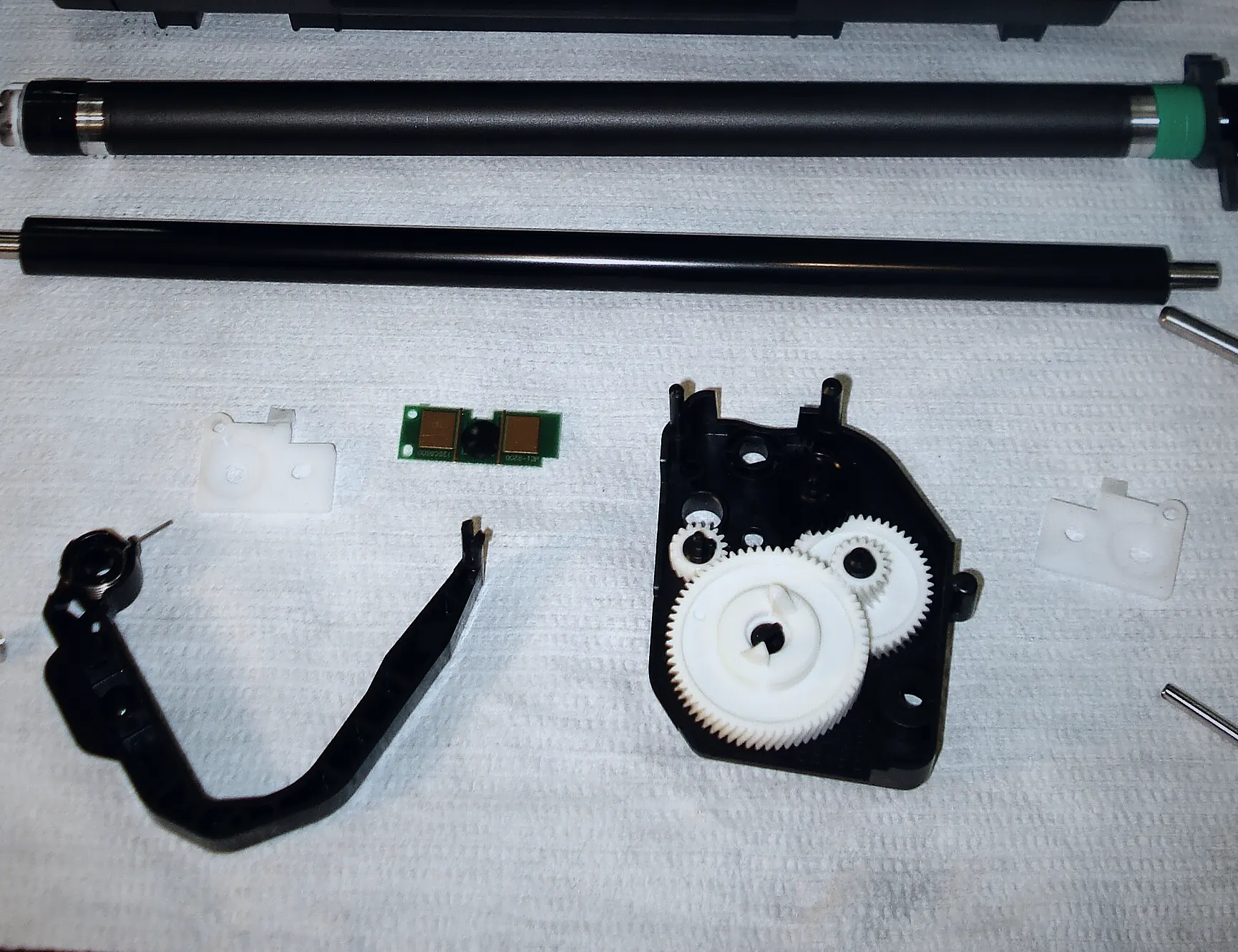
How to Find Your Printer’s Model, Serial and Part Numbers
The labels and status pages that identify your printer exactly, and the details that prevent ordering the wrong part.


Troubleshooting
Step-by-step troubleshooting guides
- 01Clearing paper jamsRemove stuck paper without tearing it, then deal with the paper, tray and roller issues that cause most repeat jams.
- 02Fixing print qualityMatch the defect on the page to the part that usually causes it, then try the safe checks before replacing anything.
- 03Printer not printingWork from the computer to the printer: queue, connection, driver, then the printer’s own status.
- 04Understanding error codesWrite down the exact code, look it up in the right place, and know which errors are safe to clear yourself.
- 05Network and Wi-Fi problemsFind out what address the printer has, confirm the computer can reach it, and make the setup stable.
- 06Toner and cartridge warningsUnderstand toner messages, replace or reseat a cartridge safely, and know when the problem is the printer rather than the cartridge.
Glossary
Laser printer terms, explained
The words that appear on error screens, supply labels and service quotes.
- Drum (photoconductor)
- The light-sensitive cylinder the laser writes the page onto. Built into some toner cartridges; a separate imaging unit on others.
- Imaging unit
- An assembly containing the drum and related parts, replaced on its own schedule on printers that separate it from the toner.
- Fuser
- The heated roller assembly that melts toner into the paper. A wear part, often included in maintenance kits.
- Transfer roller / belt
- Moves the toner image from the drum to the paper. Color printers usually use a belt to combine colors first.
- Waste toner container
- Collects excess toner cleaned off the drum or belt, common on color laser printers. Replaced when full.
- Page yield
- The expected number of pages from a cartridge under standard test conditions (ISO/IEC 19752 for mono, 19798 for color).
- Maintenance kit
- A bundle of wear parts, typically the fuser and feed rollers, specified at a set page count.
- Duty cycle
- The maximum number of pages a printer is designed to handle in a month. Regularly printing near it shortens the life of wear parts.
- Pickup / separation rollers
- Rubber rollers that pull one sheet from the tray. Worn rollers cause misfeeds and multi-feeds.
- Configuration page
- A report the printer prints from its own menu, listing model, serial number, page count and supply levels.

Next step
Need more than an article?
If a guide does not solve it, send a repair request or a supplies enquiry and we will reply directly.